How to convert a voice memo to MP3 on iPhone
The quick answer: your memo is already an M4A file, and M4A plays on basically everything made in the last 15 years. Try sending it as-is first. If something genuinely demands an .mp3, the clean path is below.
First, try the M4A
Open Voice Memos, tap the recording, tap the three dots, and share it or use Save to Files. That file plays on iPhone, Android, Windows, Mac, and in every browser. Most of the time "I need an MP3" really means "I need them to be able to play it," and M4A already solves that.
Need to clean it up first?
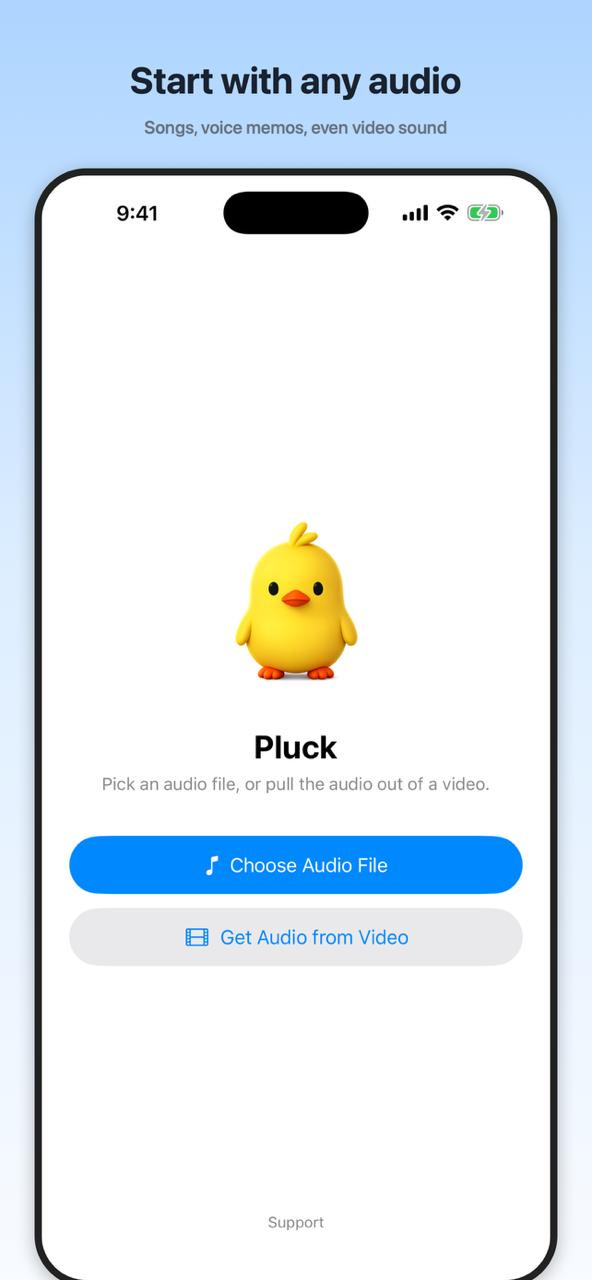
If the memo starts with 40 seconds of pocket noise, trim it before you send it. Save the memo to Files, open Pluck, tap Choose Audio File, and drag the handles around the good part. A little Fade In and Fade Out hides the cut. Tap Export and you've got a tidy M4A to share. Full walkthrough: how to trim a voice memo on iPhone.
When it really has to be .mp3
Some upload forms, old car stereos, and ancient hardware only accept MP3. For those, send the memo to a computer (Mail, Messages, AirDrop, whatever's handy) and convert it there. On a Mac, the Music app can create an MP3 version; on Windows, iTunes does the same job. Both are free and already installed on most machines.
One thing to skip: random "free converter" websites. They work, but your recording gets uploaded to someone's server. If the memo is a personal conversation, a doctor's note to yourself, or anything private, that trade isn't worth it when a computer you already own does the same conversion locally.