Pluck vs Shortcuts: which should you use?
The short answer: both are free and both keep your stuff on your phone. Shortcuts makes you build the tool yourself. Pluck is the tool, already built. Which one wins depends on how often you do this and how much you enjoy tinkering.
What the Shortcuts way looks like
Apple's Shortcuts app can genuinely pull audio from a video. You build a shortcut with an Encode Media action, flip it to Audio Only, add a save step, and run it on a video. It works, and it costs nothing. What you give up: there's no waveform to look at, no way to trim or fade inside the flow, and if the shortcut breaks after an iOS update, the repair tech is you. You assembled it, you maintain it.
What the Pluck way looks like
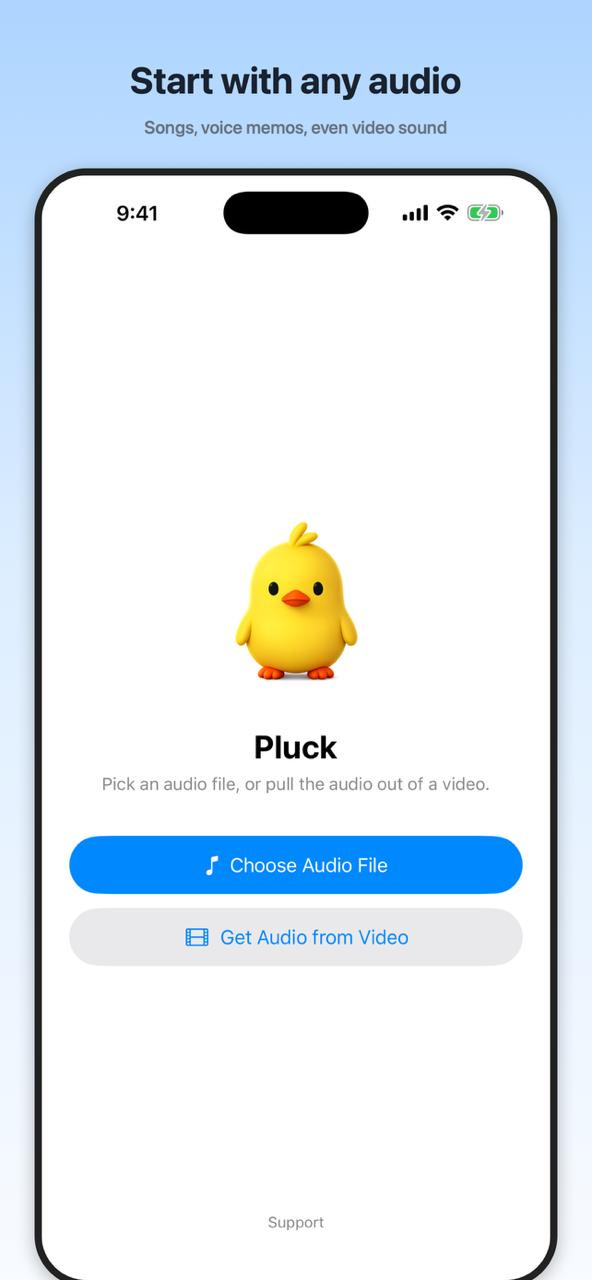
Open the app, tap Get Audio from Video, pick the video, and you're looking at the sound as a waveform. Drag handles to trim, switch to Cut to remove a piece from the middle, add fades with two sliders, pick M4A or WAV, tap Export. The whole thing takes about as long as finding the Encode Media action in Shortcuts.
The honest verdict
If you pull audio out of a video maybe once a year and you like poking at Shortcuts, build the shortcut. It's a satisfying little project and it's already on your phone. If you do this more than rarely, or you want to trim the clip and clean it up before sending it (which is most of the time), Pluck saves you real minutes every single time. We made Pluck, so take our word with the appropriate grain of salt, but we built it precisely because the Shortcuts route felt like homework.