How to extract audio from a video on iPhone
The quick answer: use Pluck. Pick a video, the app pulls out the sound, you save or send it. About 10 seconds, free, and
The steps
- Get Pluck from the App Store. Free, no ads, no account, no setup. Open it and you're on the home screen.
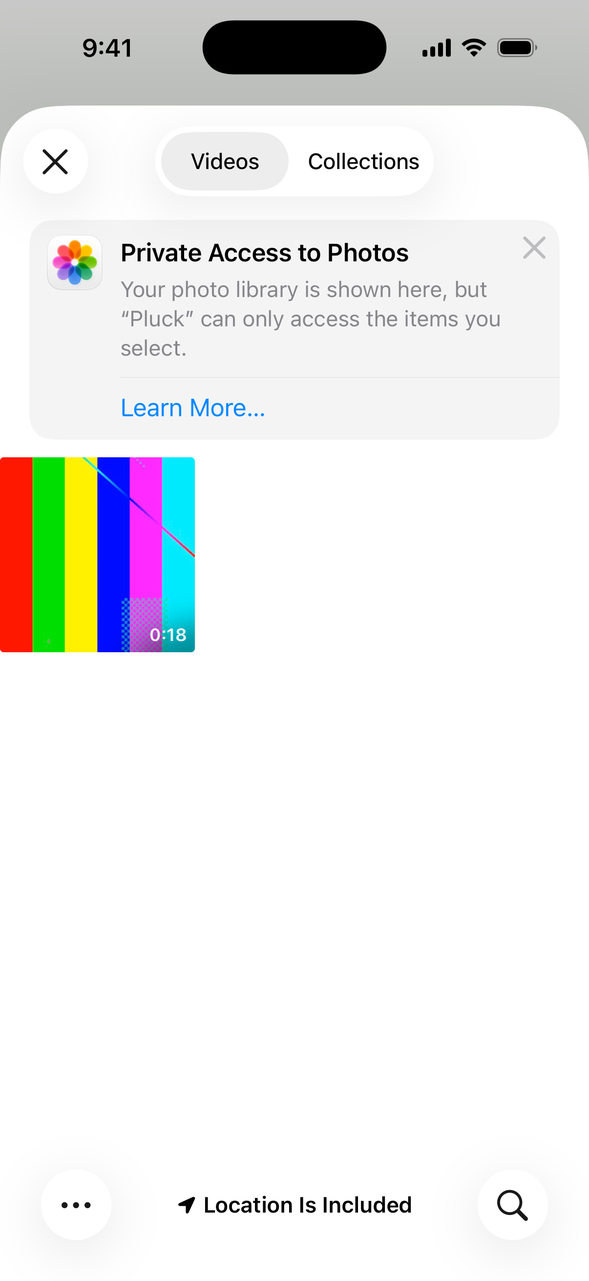
- Tap Get Audio from Video, then Camera Roll, and tap your video. (A video in the Files app works too: pick Files on that same sheet.)
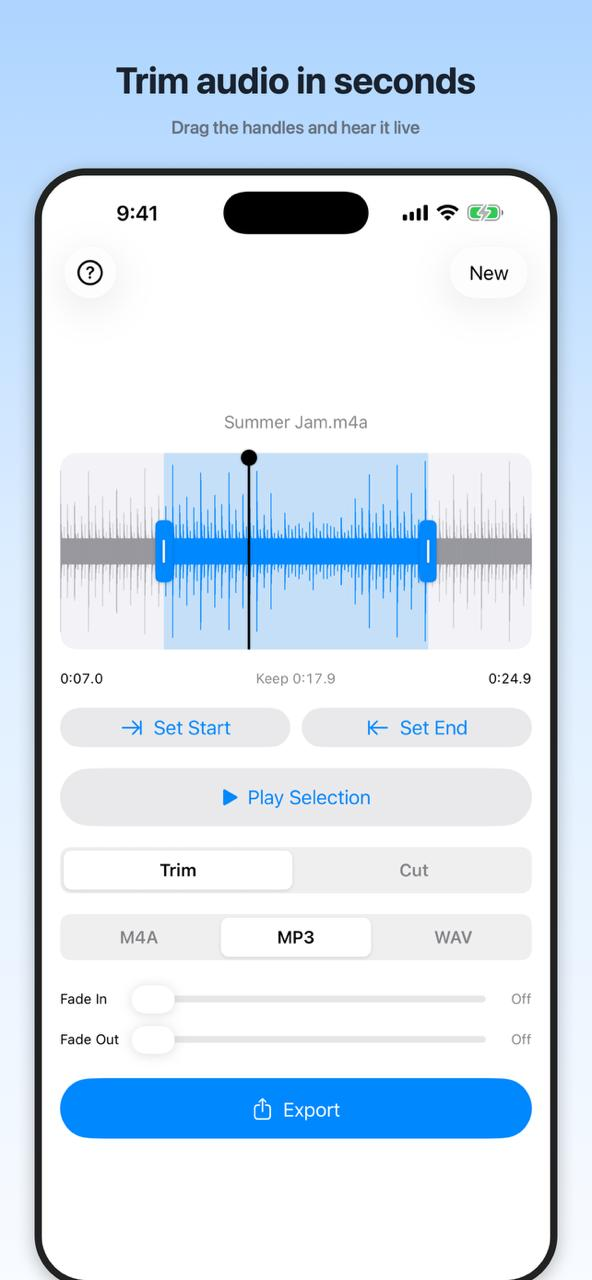
- Pluck copies the video over and pulls out the audio. A few seconds later you're looking at the sound as a waveform.
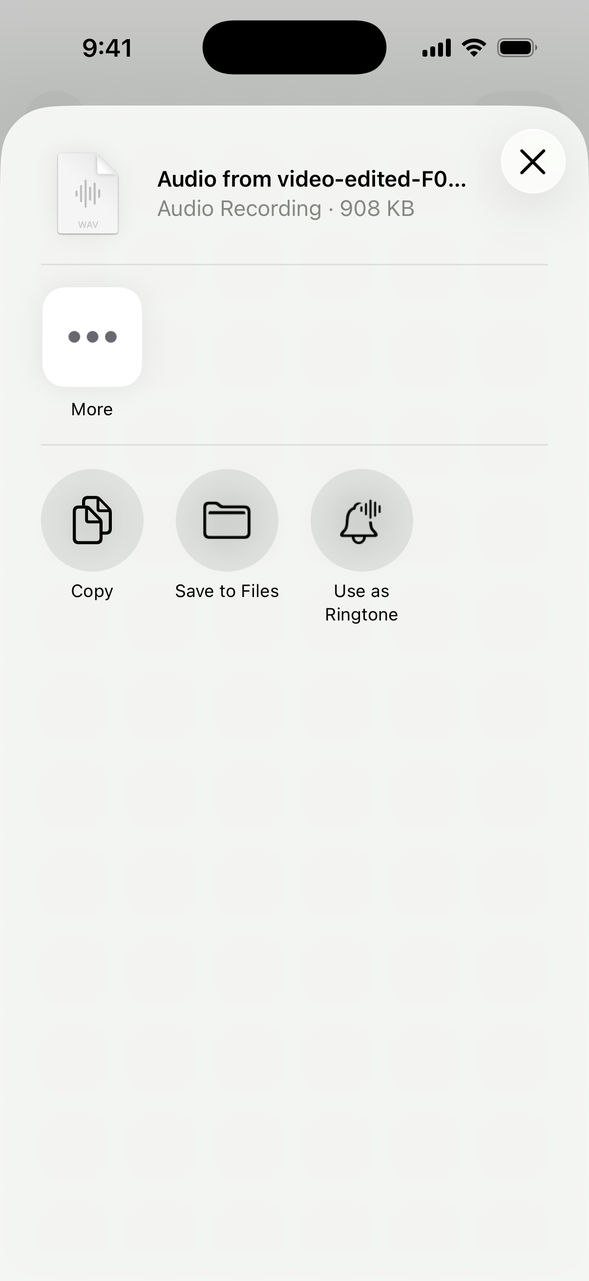
- Leave the format on M4A or switch to WAV, tap Export, and the iPhone share sheet pops up: Messages, Mail, Save to Files, even Use as Ringtone.
Only want part of it?
Usually you don't want the whole clip. You want the funny bit or the one good sentence. Drag the handles on the waveform around that part, tap Play Selection to check it, and keep just that. If the sound jumps in too hard at either end, nudge the Fade In and Fade Out sliders.
What about the built-in way?
Apple's Shortcuts app can technically do this: you build a shortcut with an Encode Media action set to Audio Only, then run it on a video. It works, but you're assembling the tool yourself, and there's no waveform, no trimming, no fades. If you do this once a year and like tinkering, sure. Otherwise Pluck is faster.
M4A or WAV?
M4A is the everyday pick: small files, plays everywhere, easy to send. WAV is the big lossless one for when the audio is headed into an editor. When in doubt, M4A.